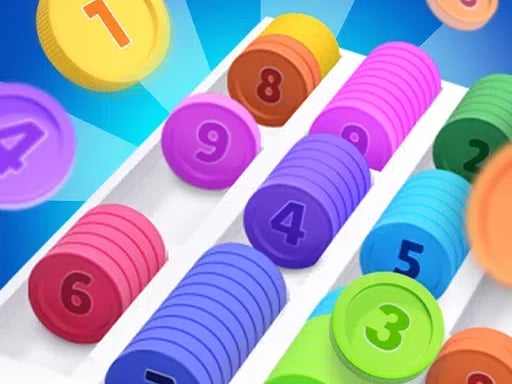
At first glance, Color Pixel Flow might look like a simple, relaxing color-matching game. You are presented with adorable, vibrant pixel art creations—ranging from fruits to animals—and your job is to clear them block by block. However, beneath this charming pixelated exterior lies a highly strategic, stress-inducing puzzle mechanic that will ruthlessly punish players who click without thinking. It is not just about matching colors; it is about sequence management, spatial awareness, and deeply understanding the critical rules of the conveyor belt.
If you find yourself constantly hitting the dreaded "Game Over" screen because your bottom queue is jammed with unusable blocks, you are not alone. Many players fail to grasp the underlying logic of the game's targeting system. In this comprehensive, deep-dive strategy guide, we are going to dissect the mechanics of Color Pixel Flow. We will teach you how to read the pixel art structure like an expert, how to perfectly manage your 5-slot lifeline, and how to execute flawless chain reactions to clear even the most complex levels.
Phase 1: Decoding the Outermost Layer Rule
The core gameplay loop of Color Pixel Flow involves selecting colored blocks from your palette at the bottom of the screen. When selected, these blocks are transported via a conveyor belt and automatically "shoot" towards the target pixel art to eliminate blocks of the exact same color. However, there is a massive catch that dictates every single move you make.
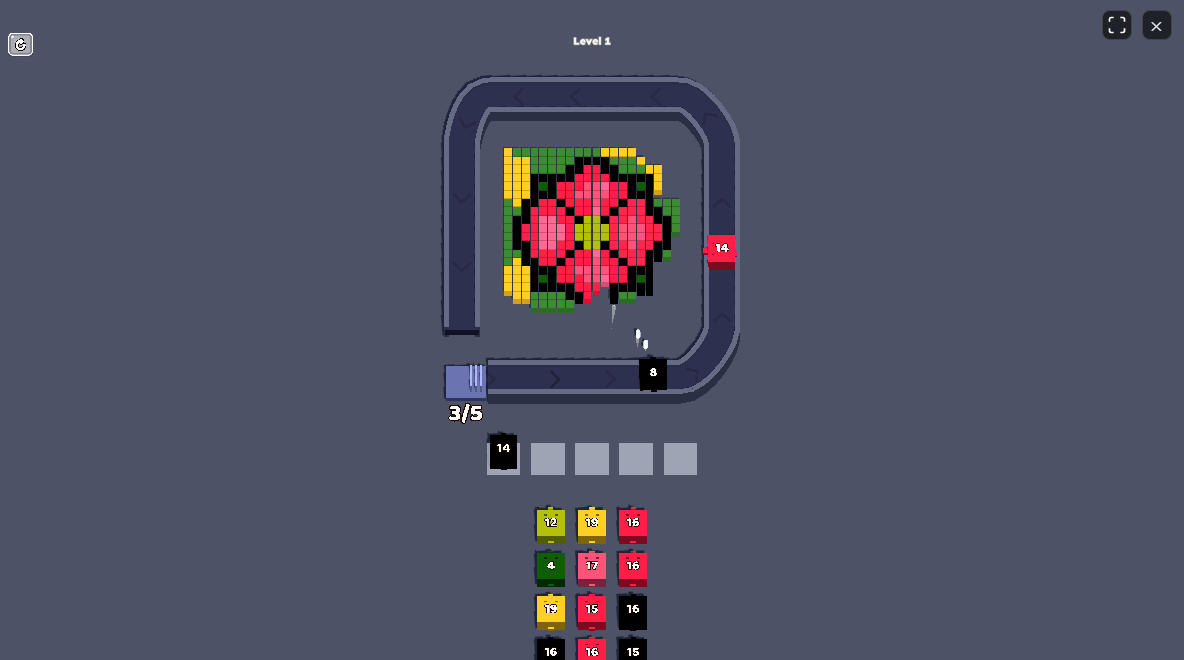
The Shielding Mechanic: Your conveyor belt blocks cannot simply bypass the structure to hit their targets. They function like projectiles that strike the very first object they collide with on the pixel art grid. Therefore, you can only eliminate blocks that are currently exposed on the outermost perimeter of the shape. If you select a red block, but the only red pixels are buried deep inside the design and completely surrounded by blue and green pixels, your red block will sit uselessly on the conveyor belt, taking up a precious slot. Your primary objective must always be to identify which colors are currently vulnerable on the outer edge, and strictly target those first. We call this the "Peeling" technique—stripping the pixel art down layer by layer, from the outside in.
Before you make your first click in a new level, take five seconds to physically trace the outer silhouette of the pixel art with your eyes. Ignore the beautiful design in the center. What colors make up the border? Are there protruding corners? Those corner pixels are your primary targets because clearing them usually exposes two or three new blocks underneath.
Phase 2: Mastering Conveyor Belt Queue Management
Your conveyor belt is the most important element on the screen. It is your staging area, your weapon, and ultimately, your potential doom. The belt has a strict maximum capacity of only 5 slots.
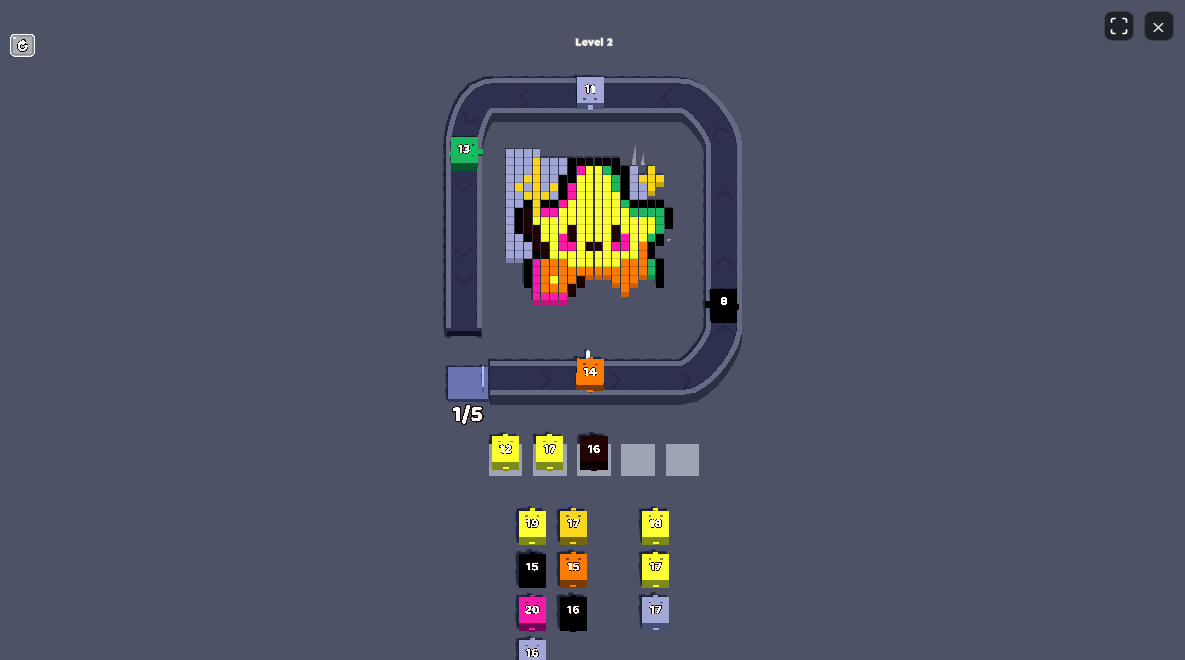
The Deadlock Scenario: Every time you select a color that does not immediately have a valid, exposed target on the pixel art, it gets stuck on the belt. If you fill all 5 slots with blocks that cannot fire, the conveyor belt jams, the game is over, and you fail the challenge. This means mindless clicking is a guaranteed death sentence in Color Pixel Flow.
Strategic Repetition: You must learn the art of intentional repetition. Often, clearing one yellow block on the edge will expose another yellow block directly behind it. Therefore, if you see a cluster of a specific color that can be peeled away consecutively, you should rapid-fire select that color into your conveyor belt. This ensures a smooth, uninterrupted flow of destruction that keeps your belt empty and safe. However, you must accurately count the number of available targets. Do not queue up four blue blocks if there are only three blue blocks exposed; that leftover blue block will sit on your belt and choke your capacity for the rest of the phase.
Gameplay Walkthrough: The Flow State in Action
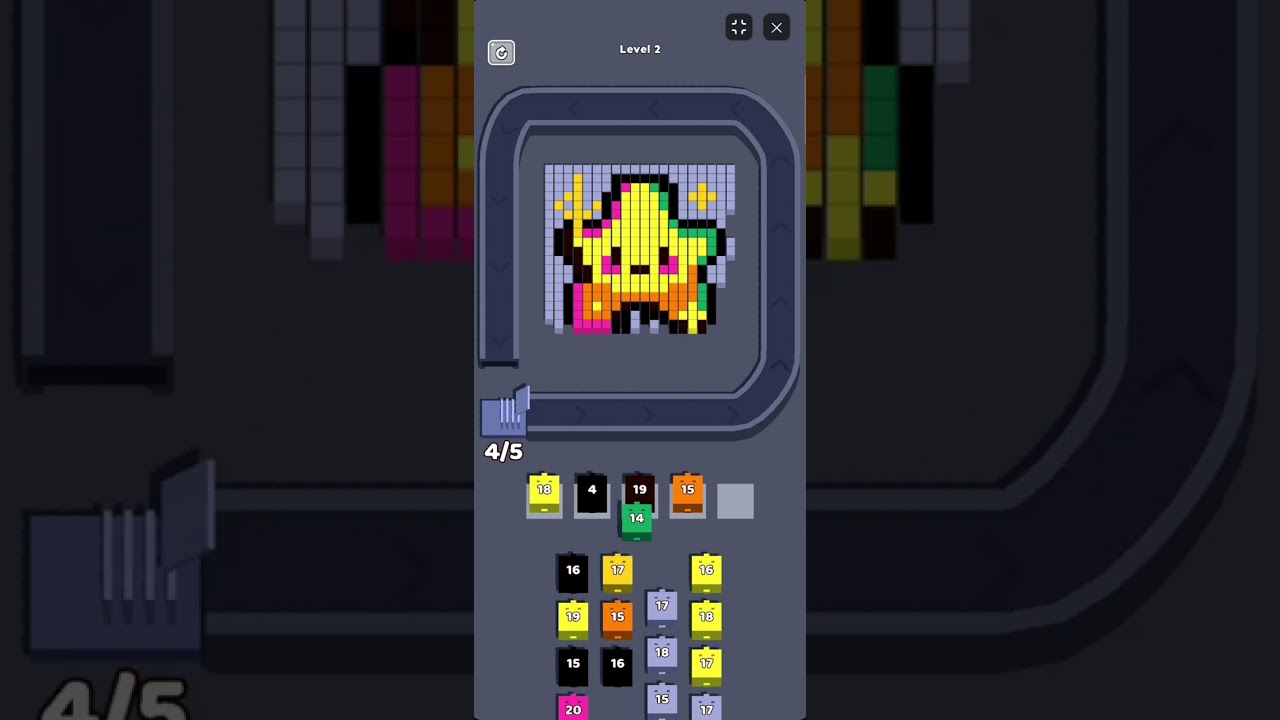
To truly understand how to balance the peeling technique with conveyor belt management, you need to see it in motion. Watch the gameplay video below. Notice how the player carefully selects colors that correspond only to the outer edges, and watch how quickly the conveyor belt clears itself when a proper color sequence is queued up. The visual satisfaction of seeing a large chunk of pixels vanish instantly is the ultimate reward for good planning.
Phase 3: Forward-Thinking and Risk Mitigation
As you progress to higher levels, the pixel art becomes larger, more intricate, and uses a wider palette of colors. Surviving these stages requires you to think two or three steps ahead, much like a game of chess.
The "Calculated Buffer" Technique
While the golden rule is to keep your belt empty, there are times when you must take a calculated risk. Suppose you need to clear a green block to expose a massive, juicy cluster of red blocks, but you accidentally clicked a red block first. That red block is now stuck on slot #1 of your belt. Do not panic. You still have four slots left. Carefully use slots #2 and #3 to select the colors needed to clear the path to the red cluster. The moment the obstacle is removed, the red block sitting in slot #1 will automatically detect the newly exposed red target and fire! This is called "buffering"—temporarily storing a color you know you will need in just a few moves.
Beware the "Greedy Clicker" Syndrome
The most common mistake new players make is panicking and mashing buttons when the pixel art looks complex. They see a color they like, click it multiple times, and instantly jam their belt. Patience is your greatest virtue. If you are ever unsure of what color is exposed, stop clicking. Analyze the edges. Rotate your perspective. In Color Pixel Flow, a slow, deliberate move is always infinitely better than a fast, incorrect one.
Final Verdict: The Zen of Pixel Destruction
Color Pixel Flow is a brilliant exercise in restraint, observation, and logical sequencing. By treating the pixel art as an onion that must be carefully peeled, strictly managing your 5-slot conveyor belt to avoid fatal deadlocks, and anticipating the cascading results of your actions, you will transform from a chaotic clicker into a strategic master. Every level is a tightly wound knot of colors waiting for you to find the right thread to pull. Now that you understand the underlying mechanics, it's time to put your spatial logic to the test. Dive in, manage your belt, and let the pixels flow!