In the rapidly evolving landscape of casual puzzle games, the "screw and pin" genre has carved out a massive audience. However, if you are growing tired of staring at flat, 2D metal boards, Screw Sort Puzzle Pin Jam 3D is here to completely revolutionize your experience. By introducing fully rotatable 3D models and integrating a highly addictive color-matching mechanic, this game elevates simple dismantling into a rigorous test of spatial awareness and resource management.
If you constantly find yourself staring at a Game Over screen because your temporary slots are full, or if you are struggling to beat the ticking clock in the hidden physics mode, you have come to the right place. In this comprehensive, 1000+ word deep dive, we are going to tear down the underlying logic of Screw Sort Puzzle Pin Jam 3D. We will explore the "Tunnel Vision Trap" of the 3D camera, teach you exactly when to deploy your hard-earned power-ups, and reveal the secrets to conquering the brutally hard "Remove Screw" alternate game mode. Grab your virtual screwdriver, and let’s get to work.
Phase 1: The Core Mechanics and the 3D Camera Trap
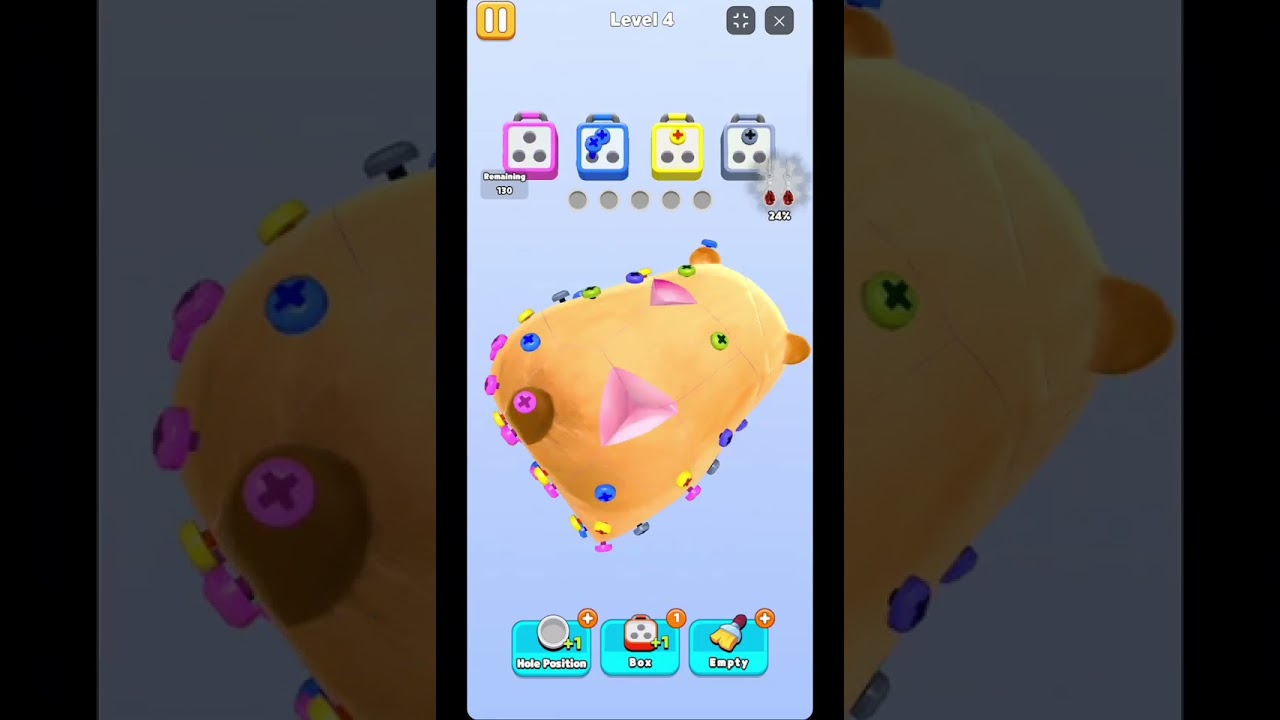
The primary game mode operates on a hybrid mechanic of dismantling and Match-3 sorting. At the bottom of your screen, you are provided with two active target screw boxes, each demanding a specific color. Below that is your lifeline: the temporary holding tray with exactly 5 slots. Your objective is to tap screws of the matching color on the 3D model to extract them. Once you collect three identical screws, the box seals, ships out, and a new color requirement takes its place.
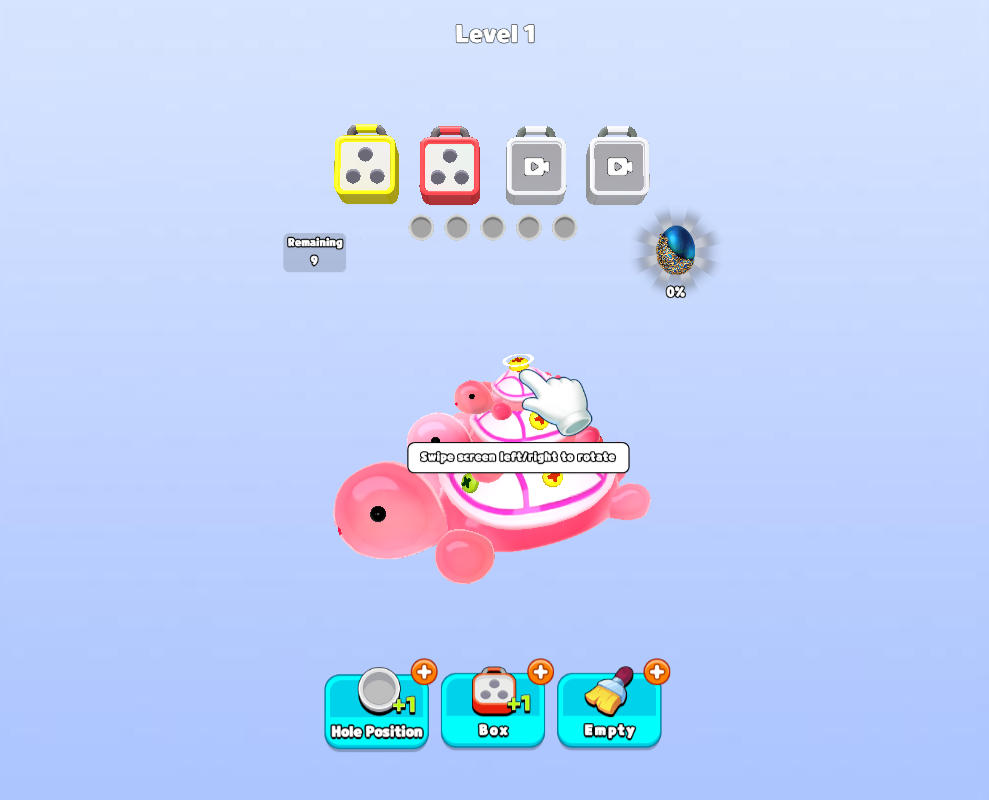
The absolute most common mistake beginners make is falling into the "Tunnel Vision Trap." Because the game presents you with a beautiful 3D object (like a toy or a piece of furniture), players tend to just click whatever matching screws are immediately visible on the front facing side. This is a fatal error.
Before you make a single click, you must physically drag your finger across the screen to rotate the 3D model a full 360 degrees. Critical screws of the exact color you need are frequently hidden on the back, underneath, or nestled deep within the structural joints of the model. If you blindly fill your 5 temporary slots with non-matching screws just to "dig" into the front of the model, you will gridlock yourself instantly. Always scout the entire surface area first!
Phase 2: Breaking the Gridlock (Mastering Power-Ups)
As you progress to higher levels, the 3D models become incredibly dense, and the sheer variety of screw colors increases. You will inevitably encounter situations where the colors you desperately need are buried beneath layers of junk you don't currently have active boxes for. When pure logic fails, you must rely on your three tactical power-ups. Using them correctly is the hallmark of a veteran player.
1. The +1 Temporary Hole (The Lifeline)
This power-up does exactly what it says: it permanently adds a 6th slot to your temporary holding tray for the duration of the level.
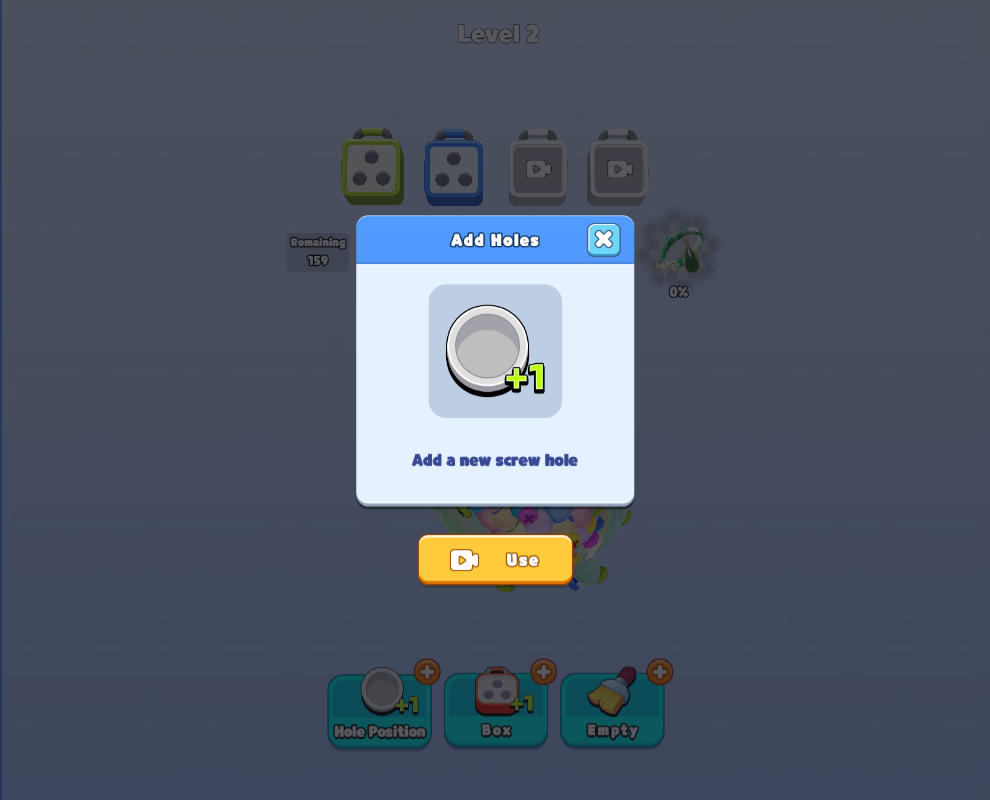
When to deploy: Use this when you are at the absolute brink of failure. If you have 5 slots filled (e.g., 2 red, 2 blue, 1 green) and you can clearly see the 3rd red screw on the model, but you cannot click it because your tray is full. Popping the +1 Hole gives you that single space needed to extract the red screw, which instantly triggers the 3-match clear, magically freeing up 3 slots at once!
2. The +1 Target Box (The Excavator)
By default, you only have two active boxes looking for specific colors. This power-up opens a third active box alongside them.
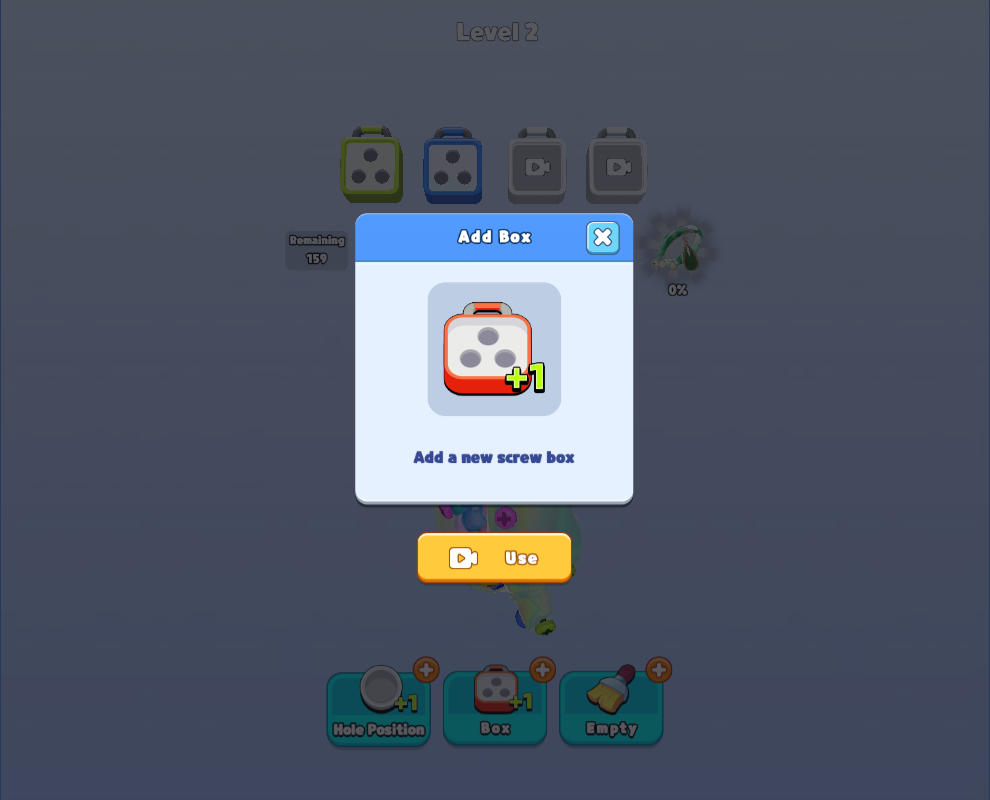
When to deploy: This is a proactive tool. Use it when you have scouted the entire 360-degree model and realized that the outer layer is entirely covered in colors that do not match your two active boxes. Opening a third box dramatically increases the mathematical probability that you can clear the surface junk and dig down to the core of the puzzle.
3. Clear Temporary Area (The Nuclear Option)
This is the most aggressive, overpowered tool in your arsenal. It instantly evaporates every single screw currently sitting in your temporary holding tray, leaving it completely empty and fresh.
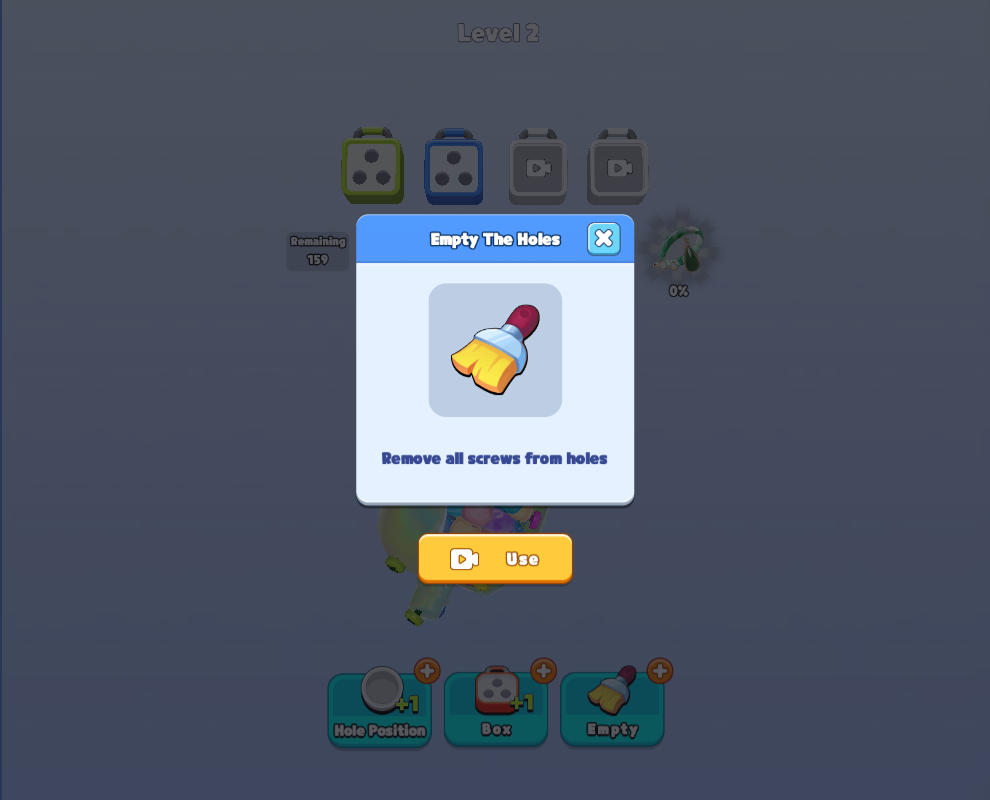
When to deploy: Treat this as your ultimate panic button. Only use it when you have made a series of terrible mistakes, your tray is filled with 5 completely mismatched single screws, and you have absolutely zero hope of making a match. It pulls you back from a guaranteed Game Over.
Gameplay Walkthrough: Fluid 3D Dismantling
Understanding the theory is excellent, but watching a high-level player manage their spatial awareness is crucial. Check out this brief gameplay demonstration below. Pay close attention to how frequently the player rotates the camera before committing to a move, ensuring they never blindly fill their temporary tray.
Phase 3: The Hidden Hardcore Mode ("Remove Screw")
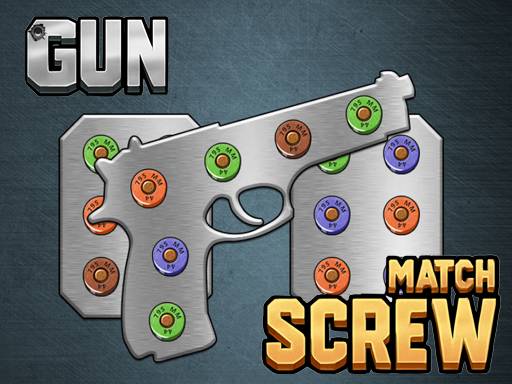
Many players completely miss one of the best features of this game. If you look closely at the main login interface, there is a separate portal labeled "Remove Screw". Entering this portal takes you away from the 3D models and into a grueling, 2D physics-based drop puzzle.
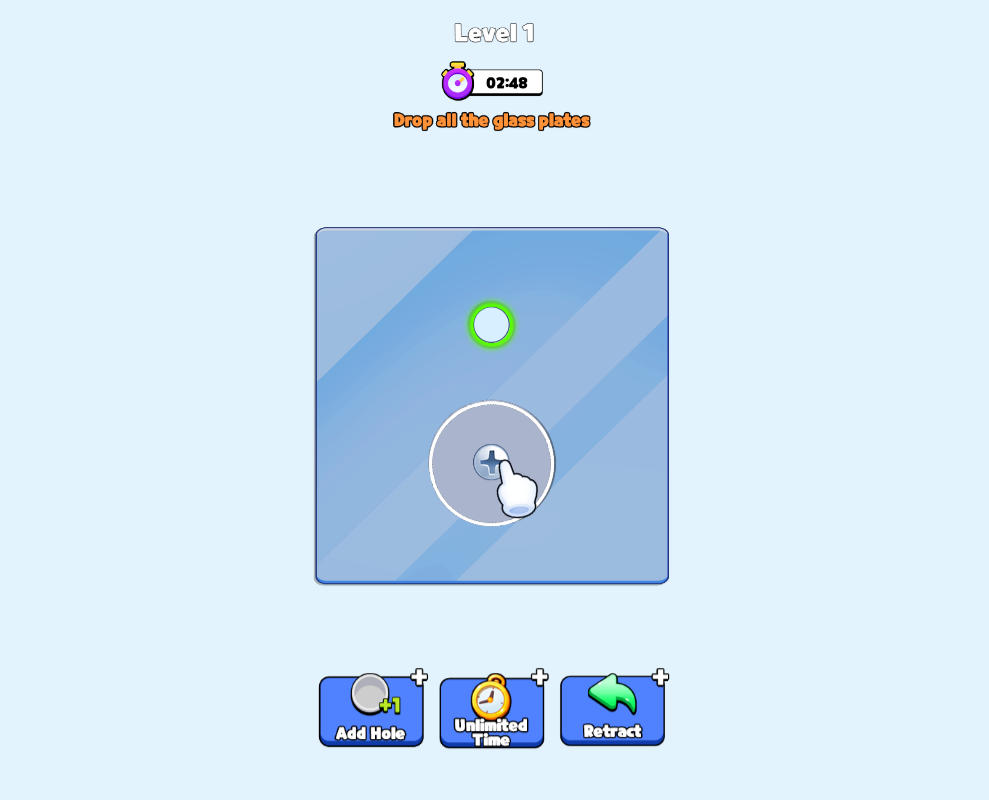
In this mode, the Match-3 color mechanics are completely gone. You are presented with a wall of interlocking metal plates held together by screws. The game provides a few empty holes. Your goal is to unscrew a pin and move it to an empty hole, causing the metal plate it was holding to fall under the weight of gravity. You must drop all the metal fragments before the strict timer runs out.
This mode requires immense logical foresight. You must analyze which metal plate is layered on top of the others. If you unscrew the wrong plate, it might swing down and physically block the empty holes, ruining your run. To survive the later stages of this mode, utilize its specific power-ups:
- Add a Hole: Literally drills a new, permanent empty hole into the wall, giving you massive breathing room to shift screws around.
- Unlimited Time: Freezes the incredibly stressful countdown clock, allowing you to stop panicking and actually trace the layered physics of the metal plates.
- Undo (Return): Made a mistake and caused a metal plate to swing and block your path? Hit Undo to reverse time and rethink your extraction order.
Final Thoughts on the 3D Stacking Phenomenon
Screw Sort Puzzle Pin Jam 3D is a brilliantly designed hybrid that tests both your spatial imagination and your resource management skills. Furthermore, as you complete the main 3D levels, you actively collect the dismantled items to build a massive in-game gallery, and you can even unlock custom, glowing skins for your screws. By constantly rotating your camera, fiercely protecting your 5 temporary slots, and strategically deploying your extra boxes, you will dismantle even the most intimidating structures. Now, grab your toolkit and start sorting!