If you think you have seen every possible variation of the color-matching genre, Touch Candy is here to completely shatter your expectations. Moving away from the traditional "swipe to swap" mechanics found in thousands of generic clones, this game introduces a revolutionary spatial concept: Elastic Block Expansion. It is a game that tests not only your ability to recognize color patterns but also your fundamental understanding of geometry and space management.
In this comprehensive, deep-dive strategy guide, we are going to unpack the brilliant mechanics behind Touch Candy. We will explore how to manipulate the board's dynamic geometry, how to efficiently clear your target quotas, and exactly when you should deploy your hard-earned power-ups. Whether you are casually passing time or fiercely trying to beat a level that has had you stuck for days, these expert insights will elevate your gameplay to the next level.
Phase 1: The Revolutionary "Elastic Expansion" Mechanic
To succeed in Touch Candy, you must first completely unlearn the rules of traditional match-3 games. You do not swap pieces on the board. Instead, the game operates on a drag-and-drop system. At the bottom of your screen, you are presented with multi-colored blocks of various shapes. Your primary action is dragging these blocks onto the main grid.
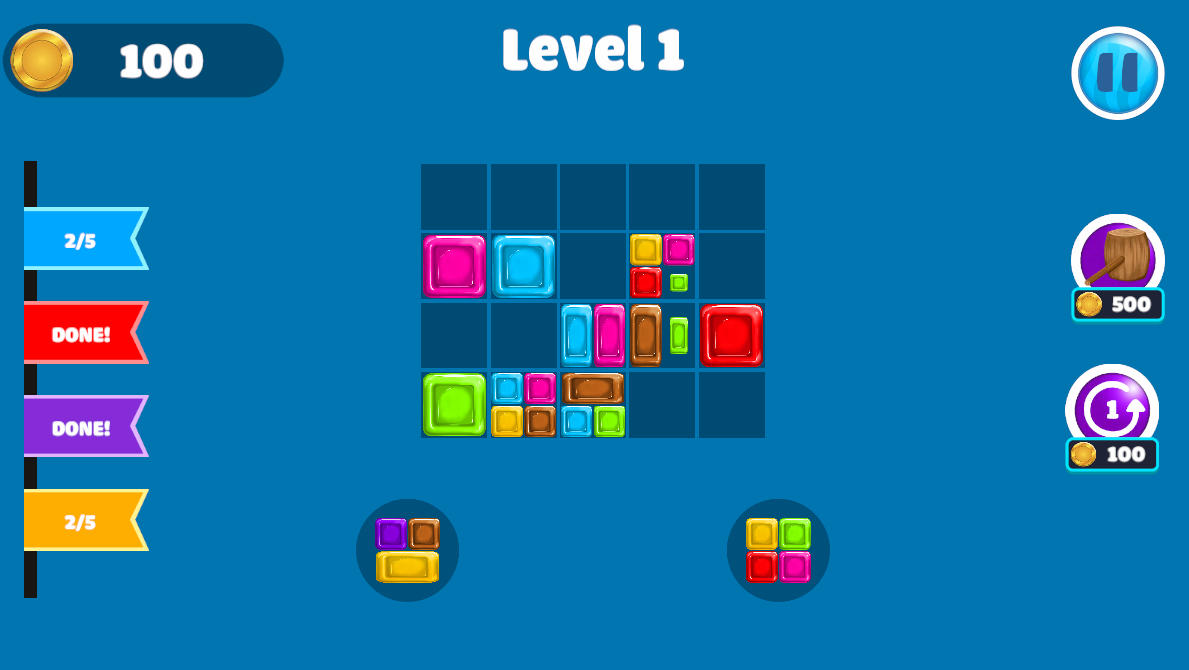
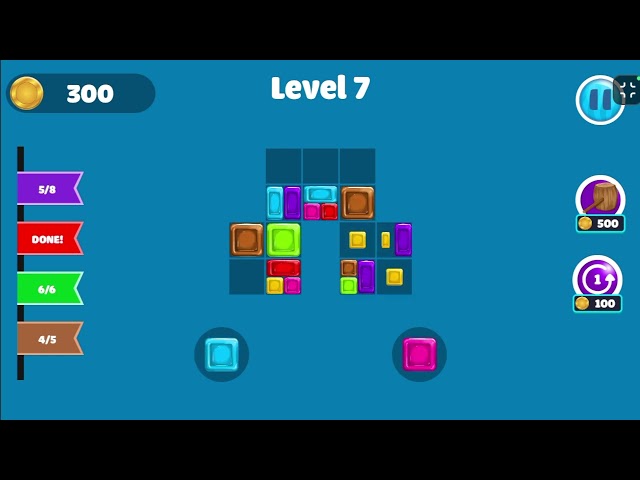
The magic happens the moment you place a block. If a color on your newly placed block directly touches an identical color on an existing block on the board, that specific colored section instantly vanishes. But the block doesn't just disappear—this is where the "Elastic Expansion" occurs. The remaining colors on the block will physically stretch and expand, snapping into the empty space left behind by the eliminated color. This dynamic shifting means the entire topography of your board changes with every single successful match.
Amateur players only look at the immediate match. Professional players look at the aftermath. Before you drop a block, ask yourself: "When this red section disappears and the blue section stretches to fill the gap, will that new stretched blue section touch another blue block?" Mastering this predictive ripple effect is the only way to trigger massive, board-clearing chain reactions.
Phase 2: Target Quota Management
Touch Candy is not an endless survival game. Every single level has a highly specific objective, usually displayed prominently at the top of the screen. For example, a level might require you to eliminate exactly 40 Yellow sections and 30 Green sections.
This quota system dramatically alters your strategy. If your board is filled with perfect opportunities to match purple and blue, but your objective only calls for yellow and green, making those purple matches is a waste of board space. Every block you place that doesn't contribute to your specific color targets brings you one step closer to a gridlock. You must be ruthless in your placement. Sometimes, the smartest move is placing a block in an isolated corner of the board simply to get it out of your queue, ensuring you don't accidentally trigger expansions that block your target colors.
Phase 3: Mastering the Power-Up Arsenal
As you advance into the higher-tier levels, the board will start with pre-placed, highly inconvenient block structures, and the queue will stubbornly refuse to give you the colors you need. When raw logic and spatial planning fail, you must turn to your power-ups. However, these are limited resources. Using them improperly guarantees failure later on. Here is exactly how to maximize their potential.
1. The Color Shuffle (The Recalibrator)
The Color Shuffle power-up is your precision tool. When activated, it allows you to target a specific block already sitting on the board and randomly scramble its internal colors.
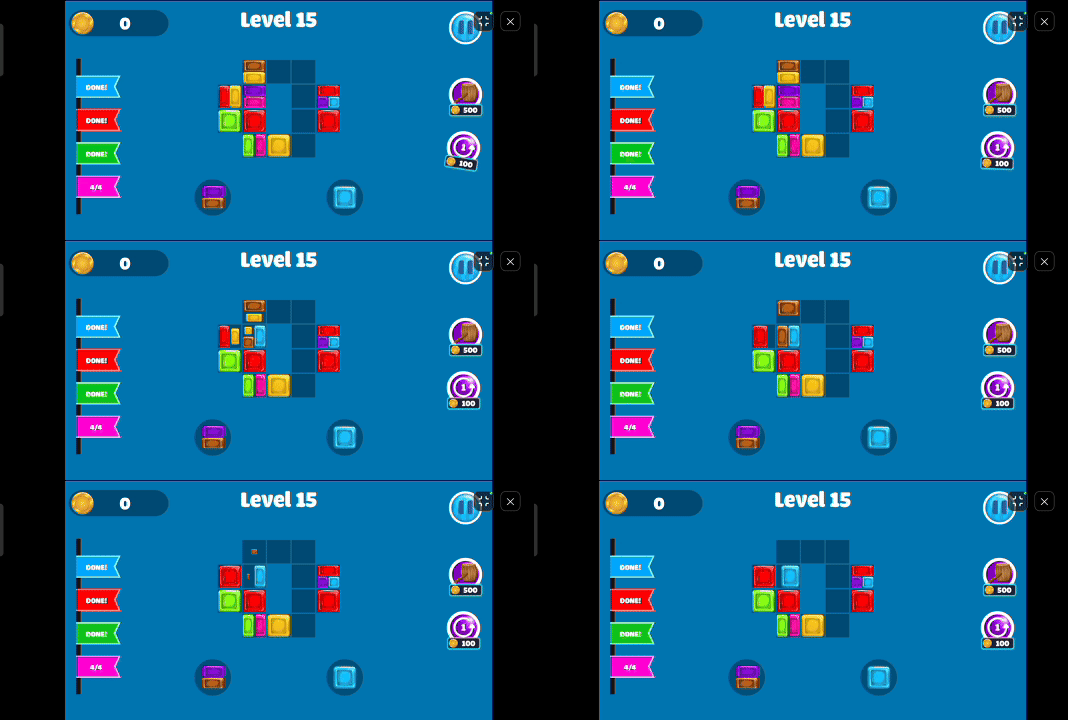
When to use it: Never use the Color Shuffle on small, isolated blocks. Save this tool for massive, expanded blocks that have taken over a large portion of the center board but possess a color you absolutely do not need. By shuffling a giant block, you give yourself a massive surface area of a new color, making it incredibly easy to connect your next queued items to it.
2. The Broom (The Ultimate Reset)
If the Color Shuffle is a scalpel, the Broom is a sledgehammer. Activating the Broom power-up allows you to select any block on the grid and completely sweep it away, erasing it from existence and leaving a pristine, empty space in its wake.
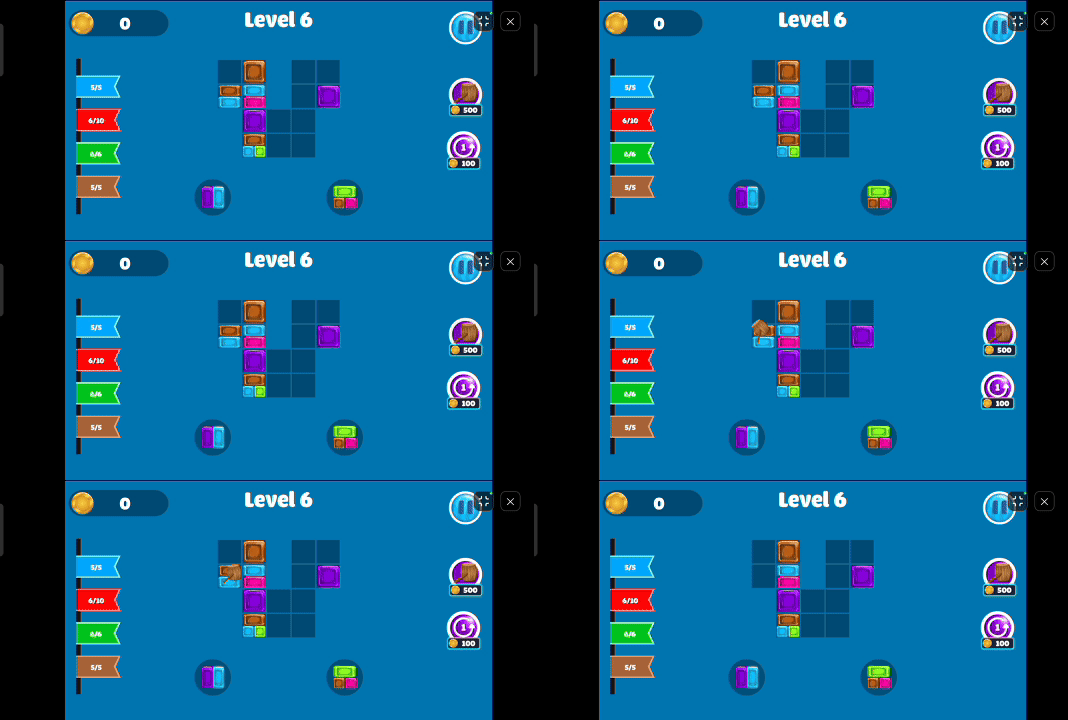
When to use it: The Broom is your emergency ripcord for "Gridlock." As the board fills up, you will inevitably end up with oddly shaped negative spaces where none of your queued blocks can fit. Do not waste the Broom just to score a few points. Wait until you literally cannot make a move. Find the most obnoxious, awkwardly shaped block that is preventing you from placing your queue, and sweep it away. It instantly restores the flow of the game.
Pro-Tips for Advanced Gameplay
To consistently crush the hardest levels of Touch Candy, keep these three advanced principles in mind during your playthrough:
- Protect the Center: The center of the board offers the most adjacent connection points. Try to keep the center relatively fluid. If you allow a massive, unmatchable block to solidify in the dead center, you split your board into isolated halves, making large chain reactions impossible.
- Analyze the Queue: You can always see the upcoming blocks in your tray at the bottom. Do not just look at the piece you are currently holding. Plan your placement based on what the next piece is. Setting up a drop for your next piece is the hallmark of a veteran player.
- Corner Dumping: If you are dealt a block that has absolutely no useful colors for your current objective, "dump" it into the far corners of the board. Keep your valuable central real estate clear for the colors that actually matter.
Touch Candy is a brilliant evolution of the puzzle genre, demanding a unique blend of color theory and spatial architecture. By understanding the physics of the elastic expansion, staying hyper-focused on your specific color targets, and hoarding your Brooms and Shuffles for critical emergencies, you will slice through these puzzles with immense satisfaction. Now, look at your queue, plan your expansion, and conquer the board!